SymphoX combines the software with e:cue controllers into systems that match the project. Pick the architecture that fits today and extend it tomorrow without changing tools.
One DALI Duo SX runs two DALI-2 lines on its own. Luminaires, presence sensors and push buttons connect directly, and two dry contacts take signals from other building systems. Commission with Quickstart and the lights work as soon as the installation is finished.
Integrated test mode for fast, reliable system verification
Easy setup via NFC, USB or Wi-Fi
Push buttons control their assigned group directly
HardwareDALI Duo SX with SYMPL dali Nodes, e:cue controllers
SoftwareExpert mode
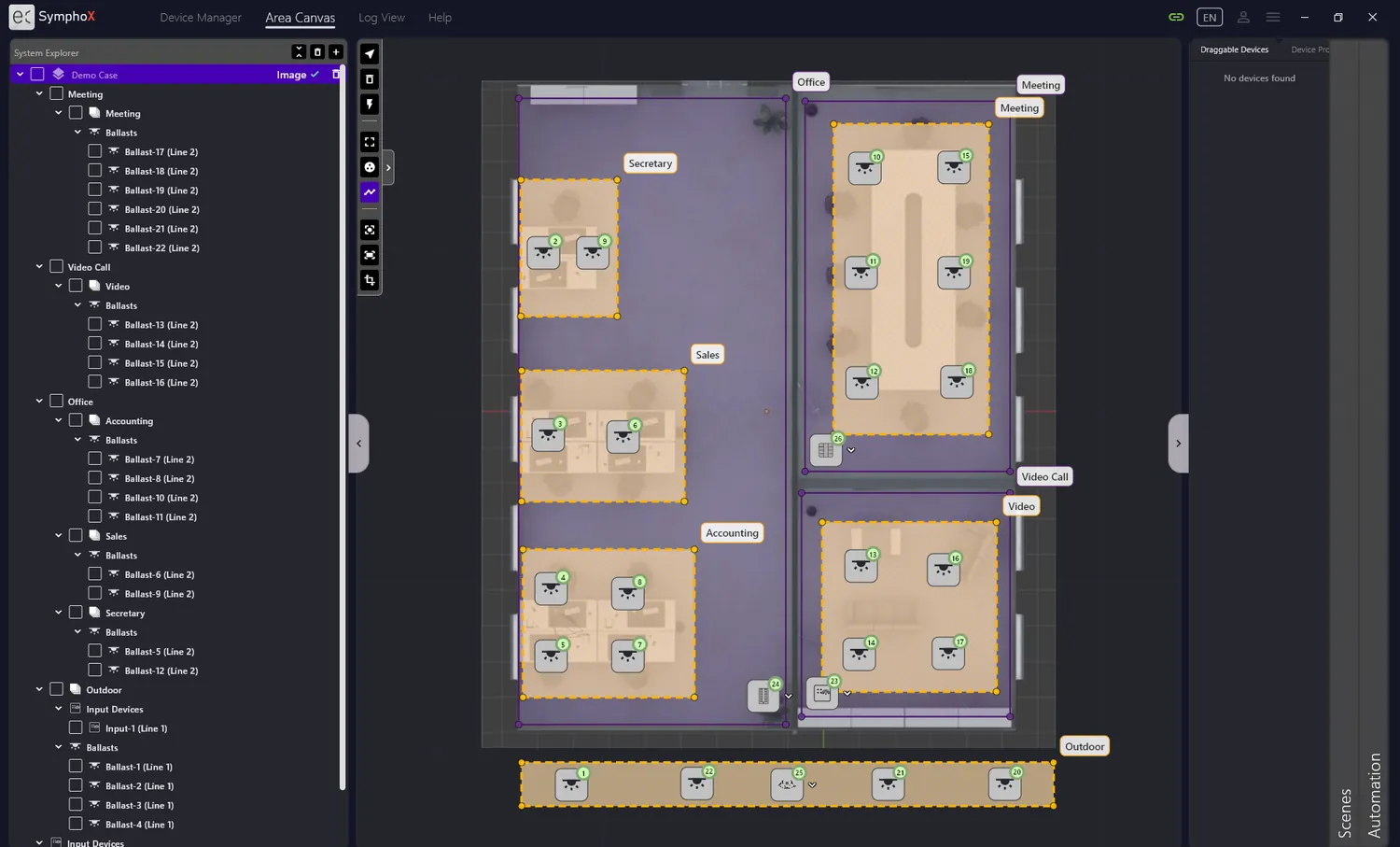
The DALI Duo SX is network-capable and expandable with SYMPL Nodes: up to 12 DALI lines per device, and up to 16 DALI Duo SX networked into one system with up to 192 DALI lines. Import the floor plans, create areas and groups per floor, and drag each device to where it hangs. The topology view keeps floors and controllers clear, however large the project becomes.
DALI linee:net / Ethernet
Expert mode · add devices & groups
Unlimited floors with imported floor plans
Custom areas, groups and scenes per floor
Scheduler for recurring events and astro times (preview)
Clear overview of floor and system topology
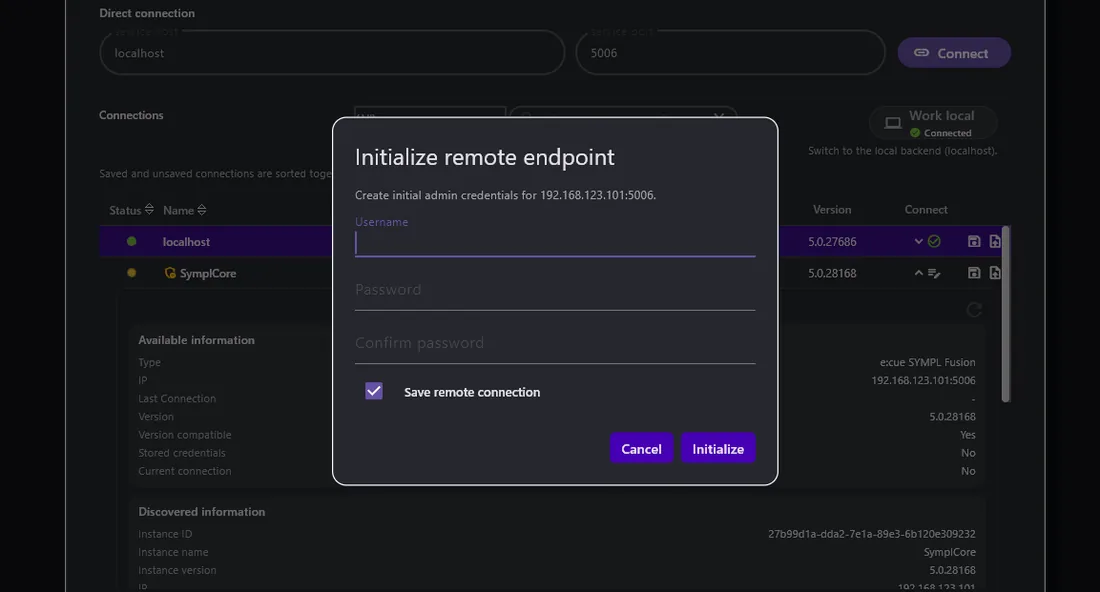
Connection Manager for local and remote endpoints
Scales to larger e:cue controllers when needed
Solution 03 · Preview
Remote commissioning and support
Best forDistributed sites, service contracts, expert support
HardwareDALI Duo SX, FUSION SX, Core SP SX, LCE SX
Connection5G router with dynamic IP, VPN server
Several engineers, each running their own SymphoX Software, connect to one site through a VPN server. Everyone sees what the others are doing, so a specialist can join a commissioning session without travelling.
Remote commissioning of new sites
Remote support for running installations
Multiple users on one controller at the same time
Connection Manager · remote endpoint
Partner support
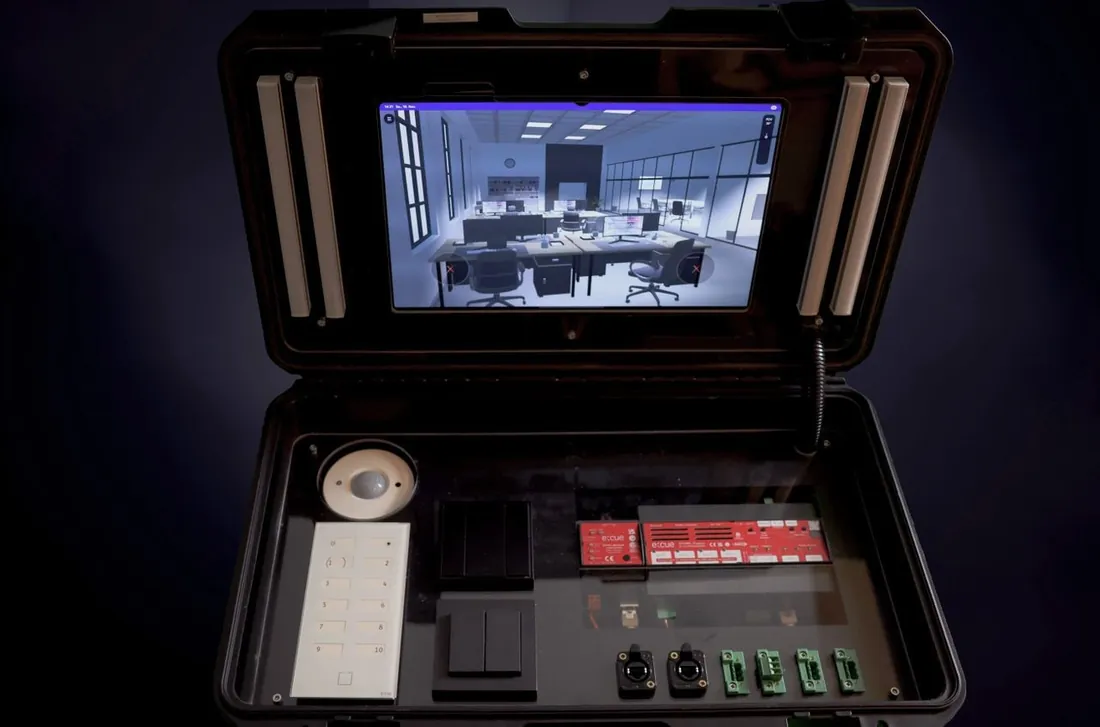
Train, demo, test. With the SymphoX demo case.
The demo cases, small and large, are built for training, customer demos and your own tests. Show SymphoX live on real hardware, train your team and get to know every function yourself before your first project starts.
Demo casesSmall and large
HandoutsFor customers and partners
Sell sheetComing soon
WebinarsTraining sessions
Planning a project? Let's size the system together.
This website only stores what it needs to work: your language, your display theme and this choice. With your consent we also load the Barlow font from Google Fonts. Your IP address is then transferred to Google. You can change your choice at any time via Cookie settings in the footer. More in our privacy policy and cookie policy.